Ordering an optical component starts with the model and specifications. Use the steps below to check a catalog item or send us a custom requirement.
1. Select the model
Open the product page and choose a model in the specification table. Check the material, dimensions, coating and other parameters shown for that exact SKU. The expanded row provides the available drawing and optical-performance information where supplied.
2. Review price and availability
Check the displayed price and quantity before checkout. If a model is marked for quotation, or the specification you need is not listed, use Custom Order instead of selecting a different SKU.
3. Send custom requirements
For a custom part, share the material, dimensions, tolerances, coating or wavelength range, quantity and application. A technical drawing is helpful for complex geometry; a clear sketch or written specification can be enough for an initial review.
4. Confirm the specification
Review the selected model or approved custom specification before ordering. For custom work, confirm the drawing or specification, price and dispatch plan with our team before production begins.
5. Delivery and support
Shipping arrangements vary by product and destination. See Shipping & Delivery for general information. For an existing order, include the order number when contacting sales@glasshop.net.
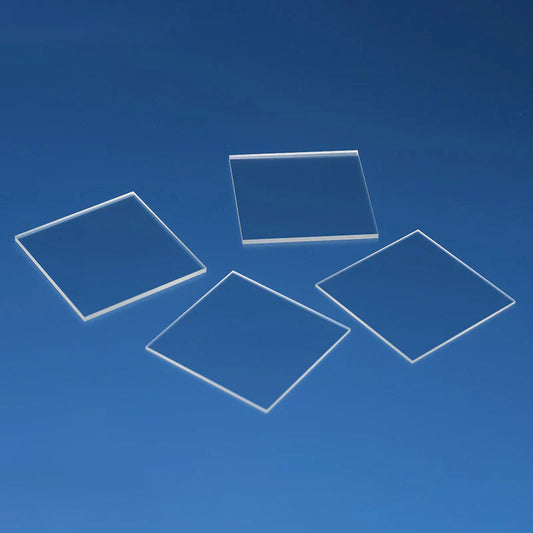
These K9 optical glass rectangular substrates are manufactured from high-quality K9 optical glass, a widely used optical material known for its excellent transparency, stable optical properties, and cost efficiency. K9 glass provides optical performance similar to BK7 in the visible spectrum, making it a...
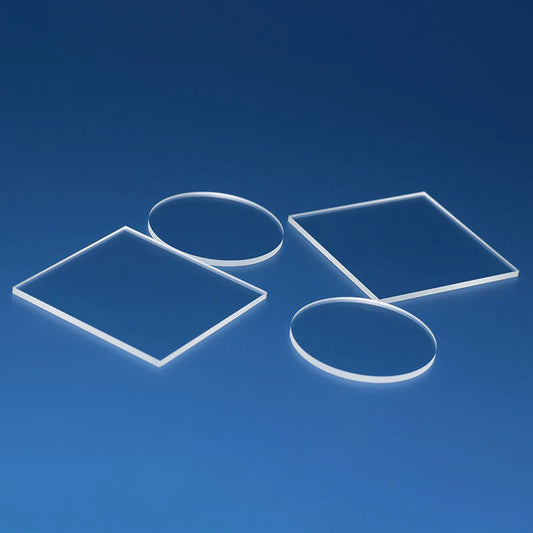
This product is manufactured from genuine BF33 high borosilicate glass, a premium float glass material widely recognized for its excellent thermal stability, high optical clarity, and superior chemical resistance. Due to its low thermal expansion and strong resistance to temperature changes, BF33 glass is...